Run Diagnostics and Catalog Repair Utilities
There may be situations where the irCatalog database gets into a corrupted state and must be repaired. To determine if there are validation errors that must be resolved, execute the Run Diagnostics utility on your irCatalog environment.
Run Diagnostics
-
Select the Diagnostics option from the Settings menu.

-
Click on the Run Diagnostics button.

No Errors
If there are no validation errors, a success message will be displayed.

Repair Catalog
If there are errors, a list of diagnostics error results will then be displayed.
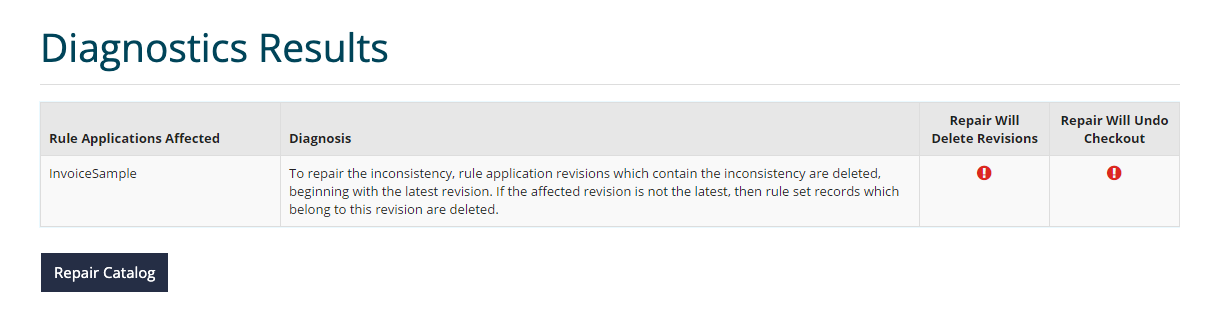
To repair the error, click the Repair Catalog button.
note
It is a best practice to ensure you have a backup of the current database before taking this action.