Integrating API in a CI/CD Pipeline
Below are the steps for integrating the Runtime Override API into an Azure pipeline environment using the curl command.
- Click Configurations tab
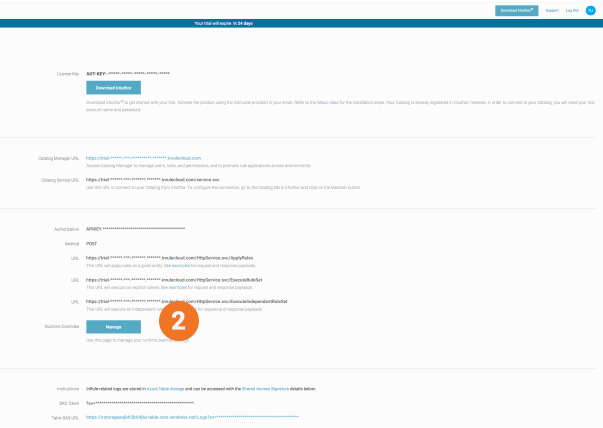
- Under Execution, click Manage
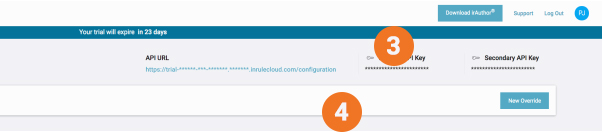
- Click the Primary or Secondary API Key to copy the key to your clipboard
- Click the API URL link to view existing API methods
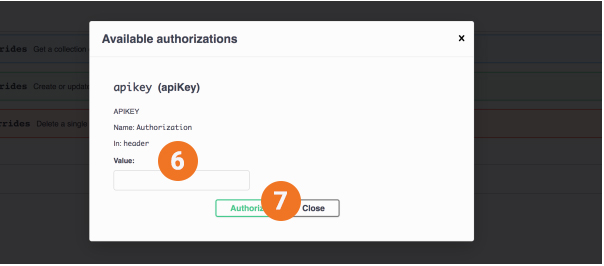
- Click Authorize
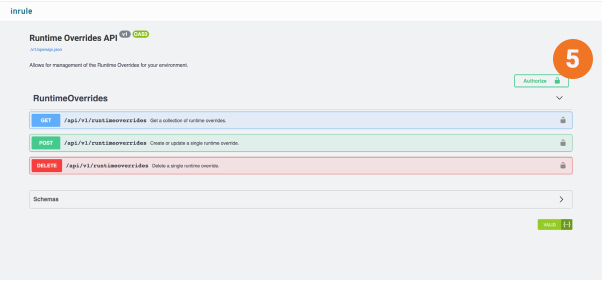
- Paste Primary API Key from clipboard into Value field
- Click Authorize
- Click Try it out
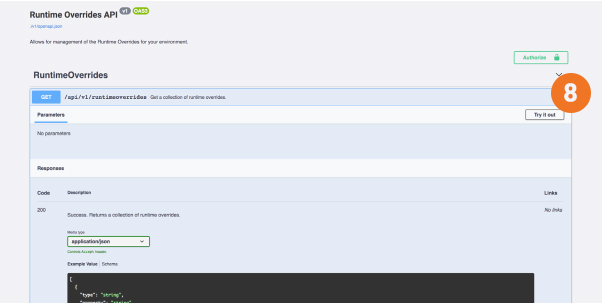
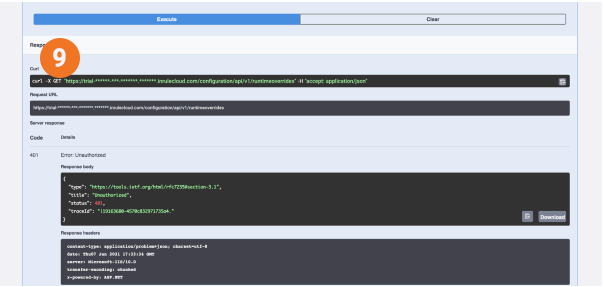
- Once executed, copy the Curl and use it in the CI/CD script