Copying a Form Between Applications
To copy a form from one application to another within the same space, copy the form definition.
-
Open the original form in the form editor.
-
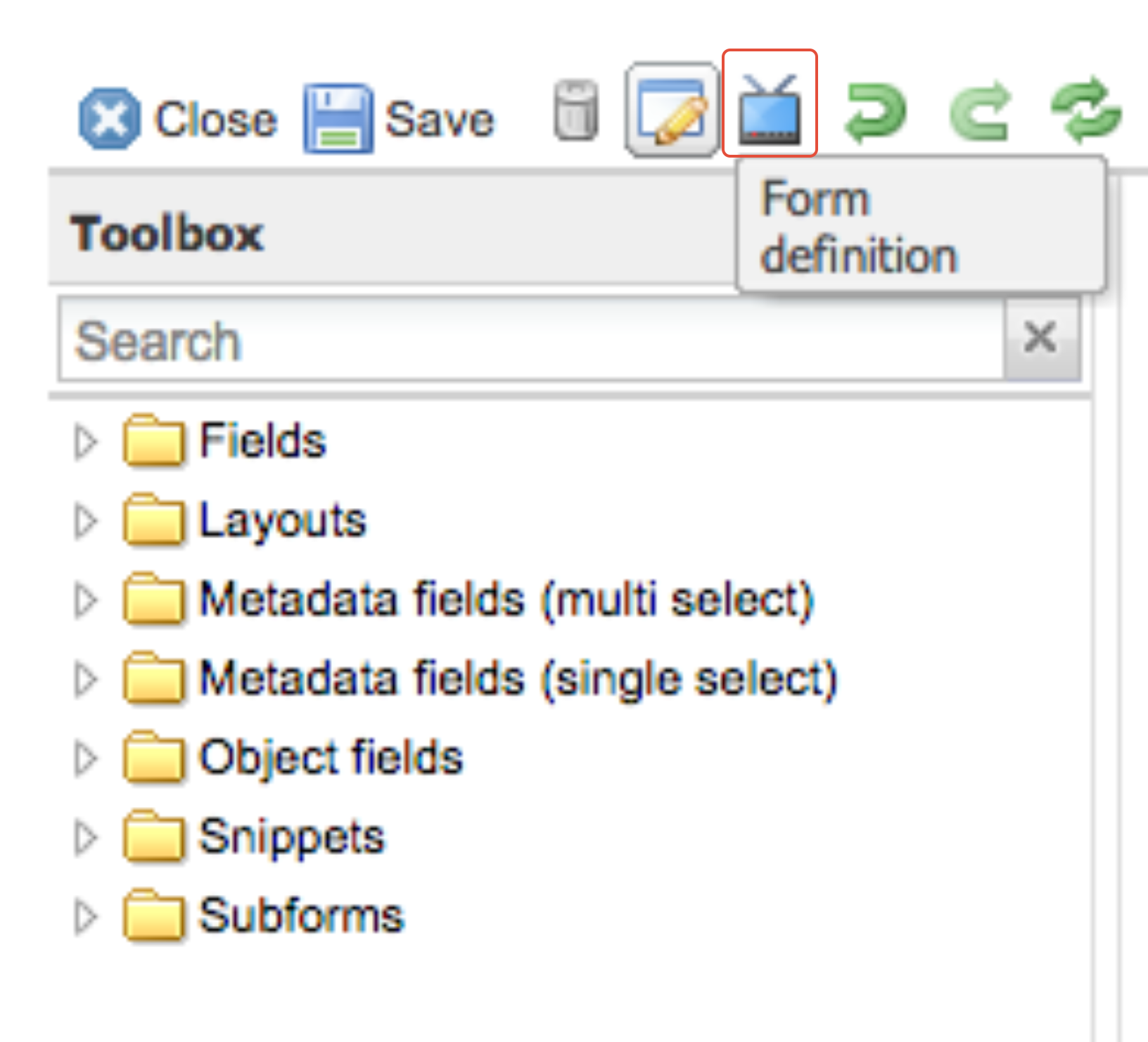
Click on the Form definition icon.
-
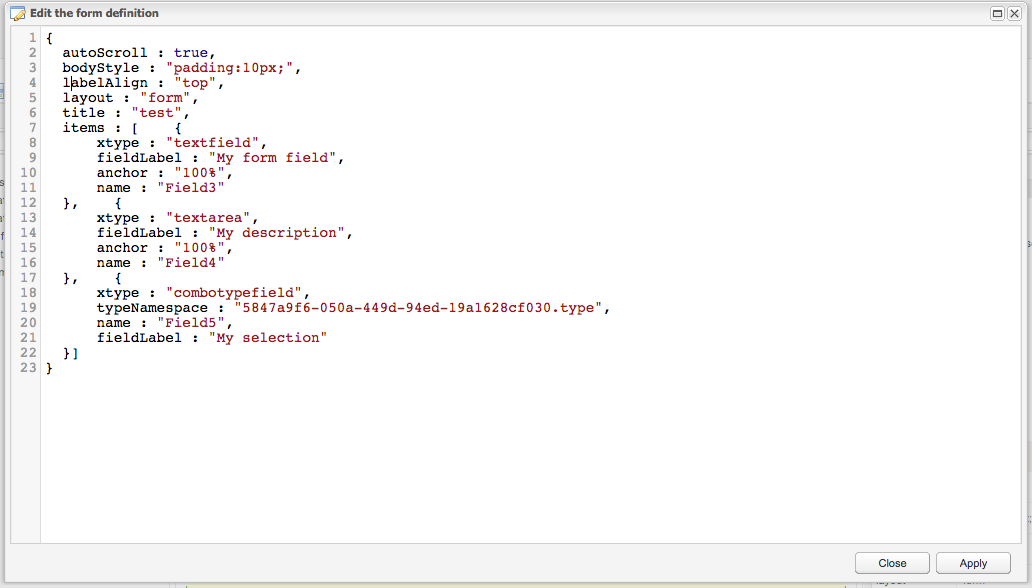
The form definition window will open.
-
Press
CTRL + Ato select all the text in the form definition andCTRL + Cto copy it. -
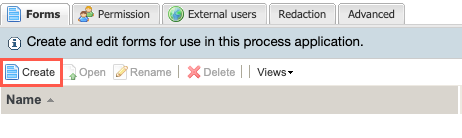
Go to the other application configuration of the other application and select Create.
-
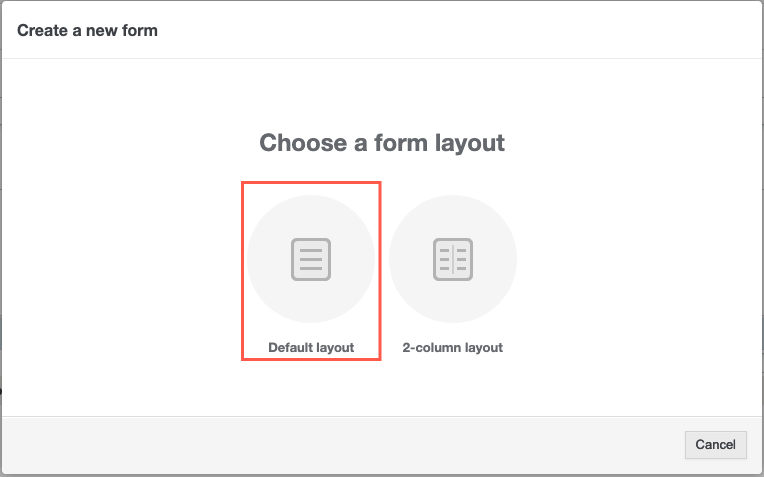
Choose Default layout.
-
Open the form definition (like in step 2 above) and erase all the text.
-
Right-click with your mouse and select Paste, or the keyboard shortcut
CTRL + Vto paste the original form definition. -
Click on Apply and then save the form.